App screenshots
Cockpit, horse profile, statistics and journal – impressions of HorseCompanion in desktop and mobile views, in light and dark mode.
Cockpit — Your daily overview
Weekly calendar, upcoming activities, care status and relationship updates for each horse — the page you open every morning.
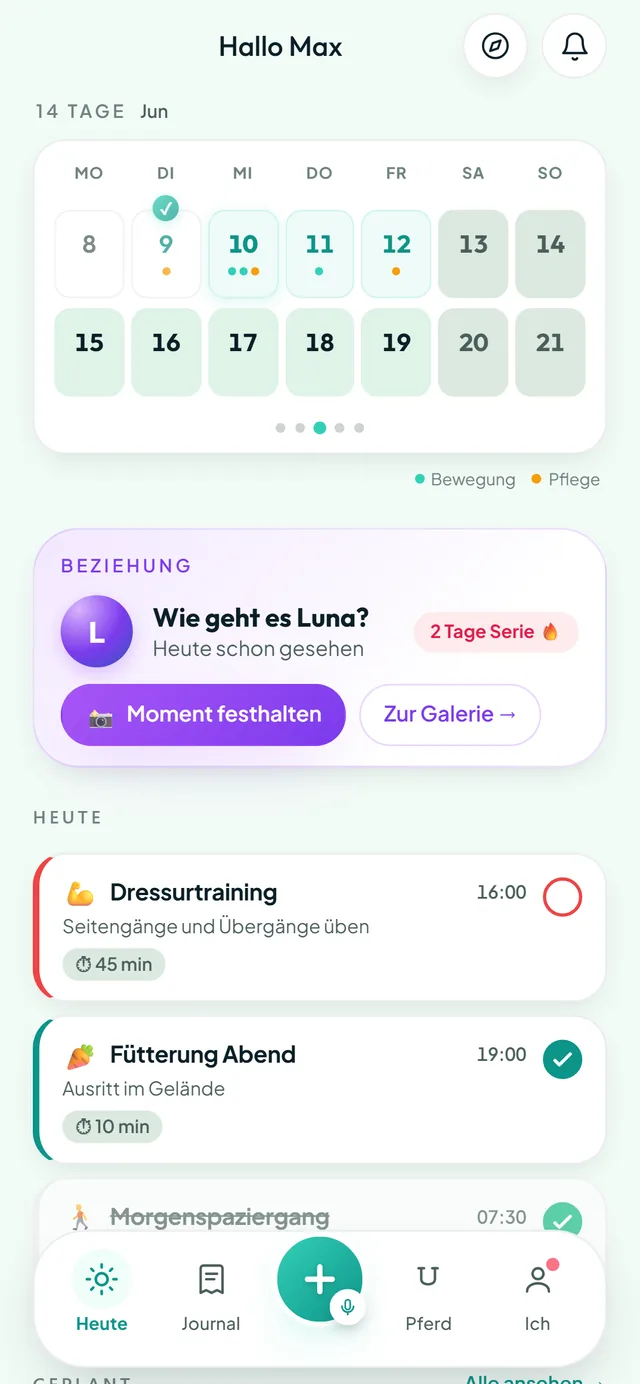 Cockpit — Mobile
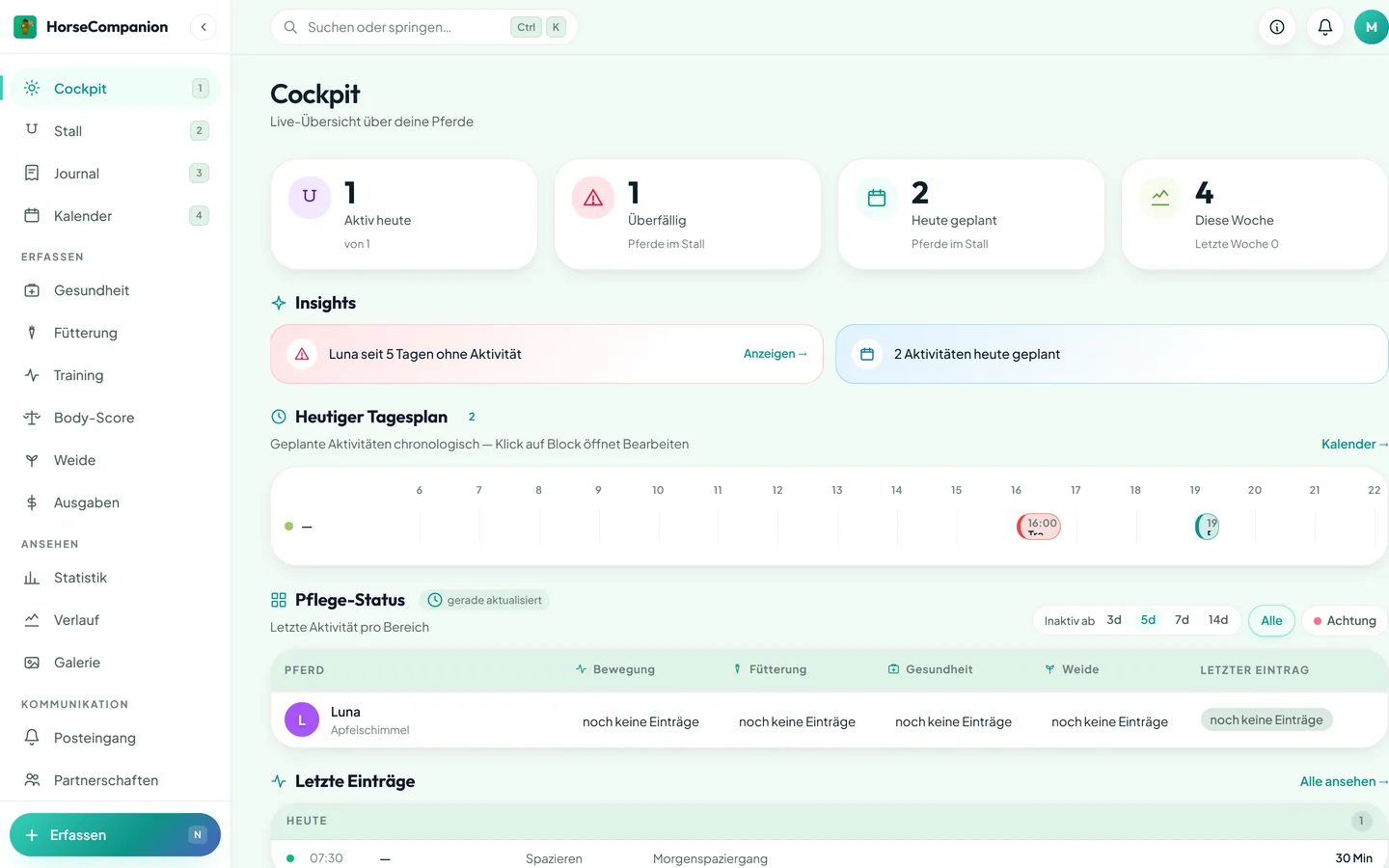 Cockpit — Desktop
Stable — Horse details at a glance
Master data, health, feeding, gallery and emergency contacts. One page per horse with clear actions instead of nested menus.
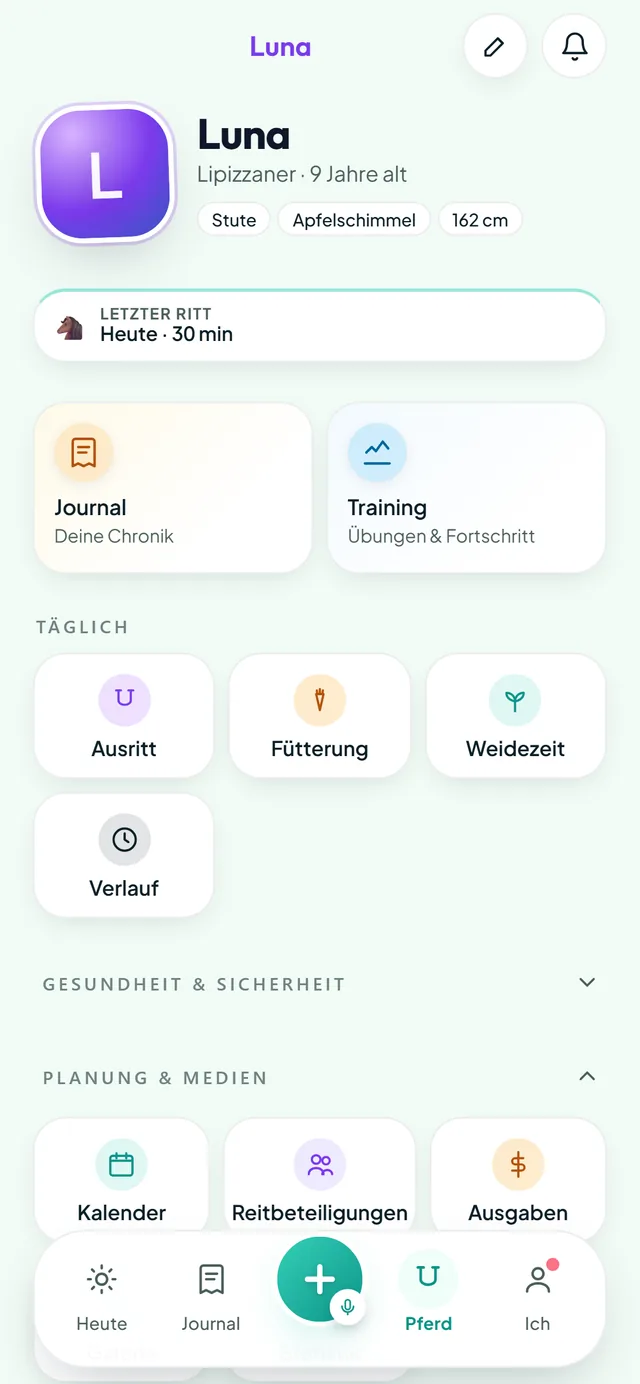 Horse detail — Mobile
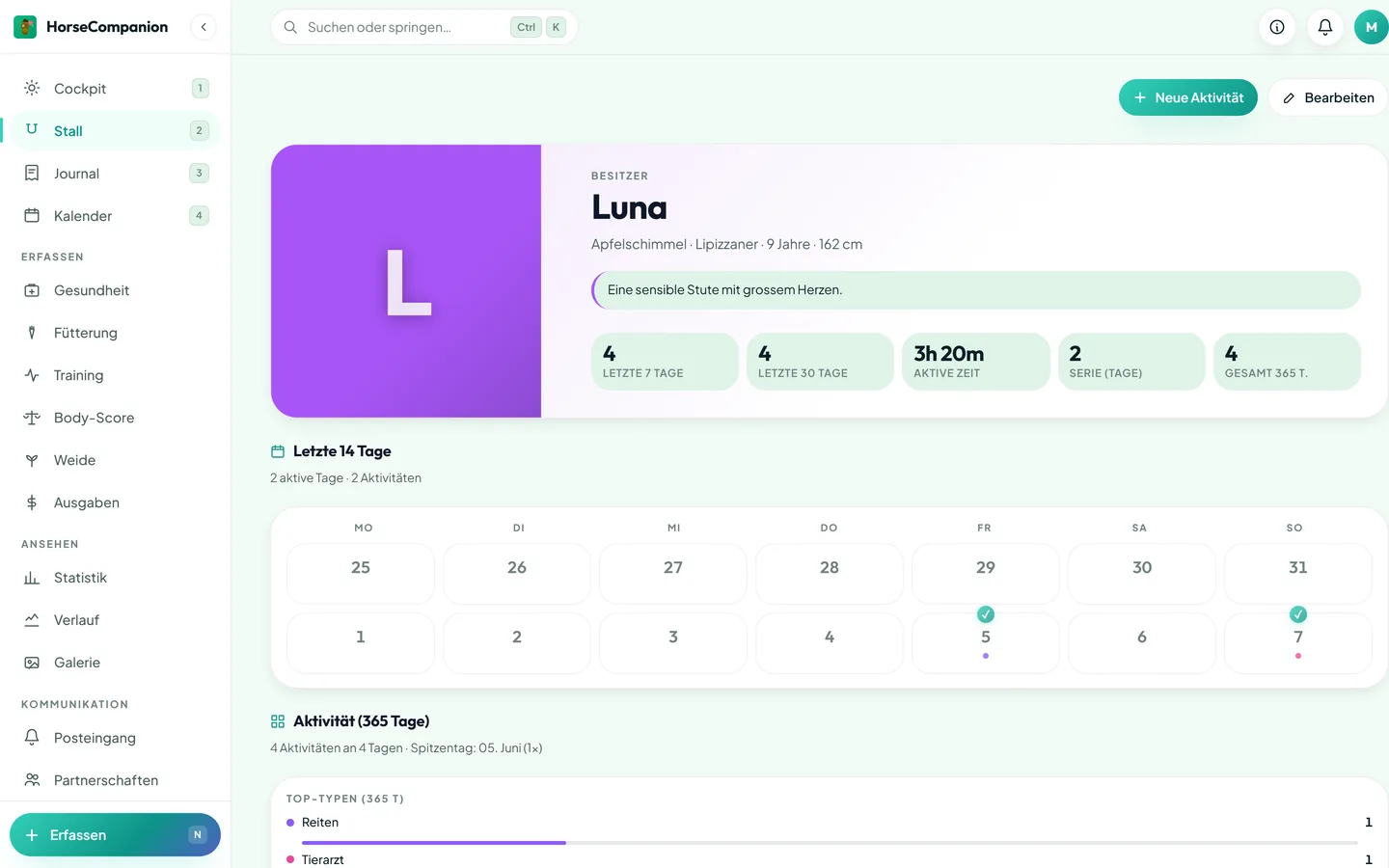 Horse detail — Desktop
Journal — Activities in chronological order
Riding, grooming, vet, farrier: every entry linked to the horse, the rider and the weekly statistics.
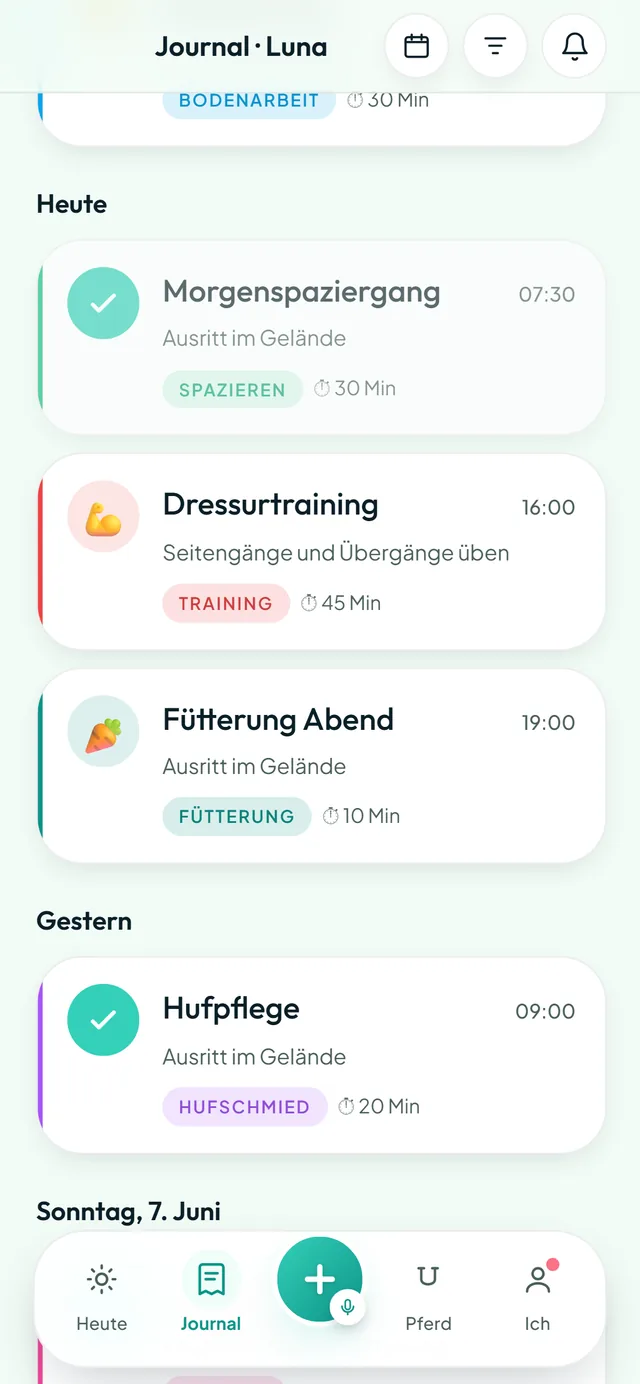 Journal — Mobile
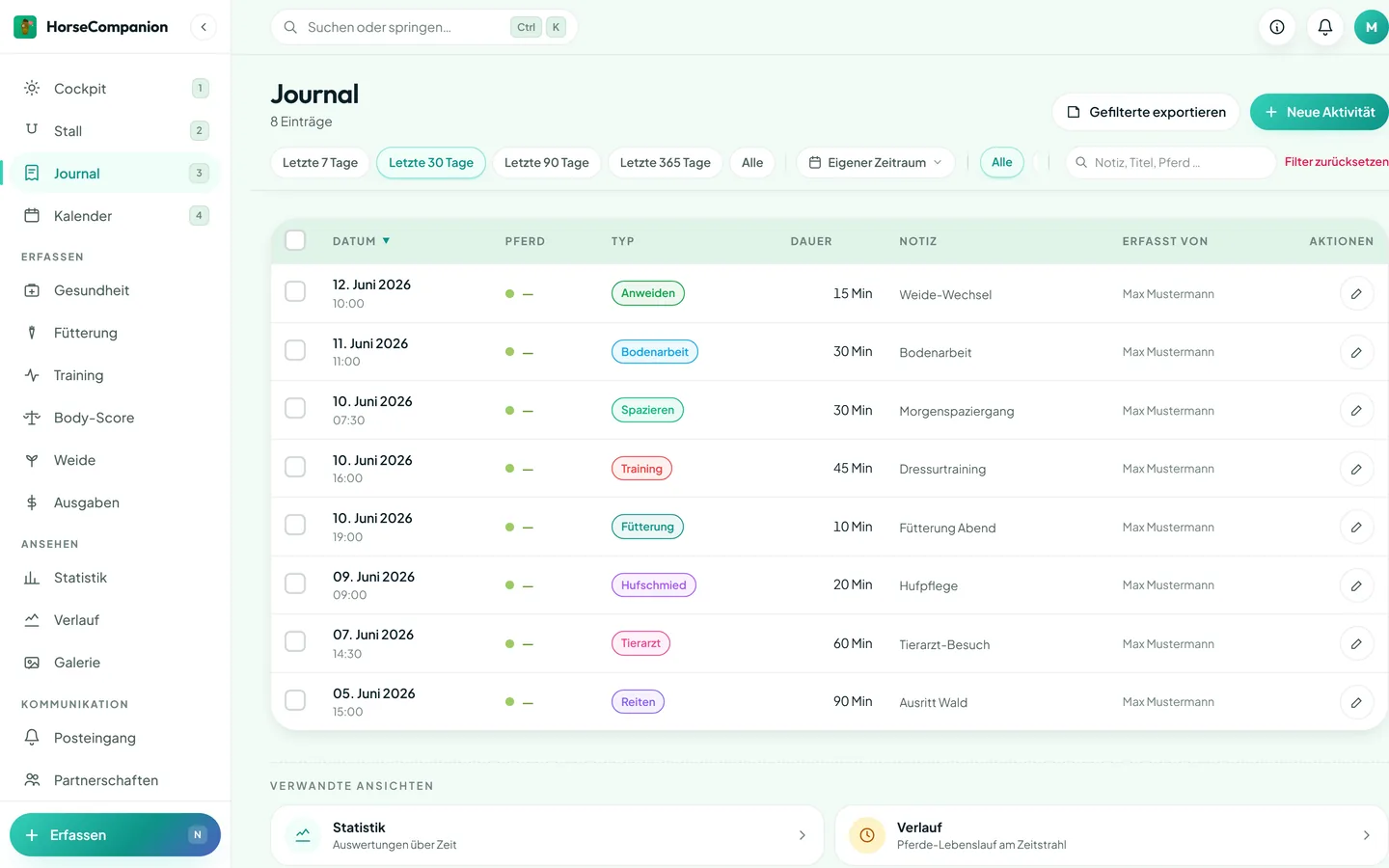 Journal — Desktop
Stats & analytics
Heatmaps, streaks and comparisons between horses. See immediately where you're consistent — and where a training session is missing.
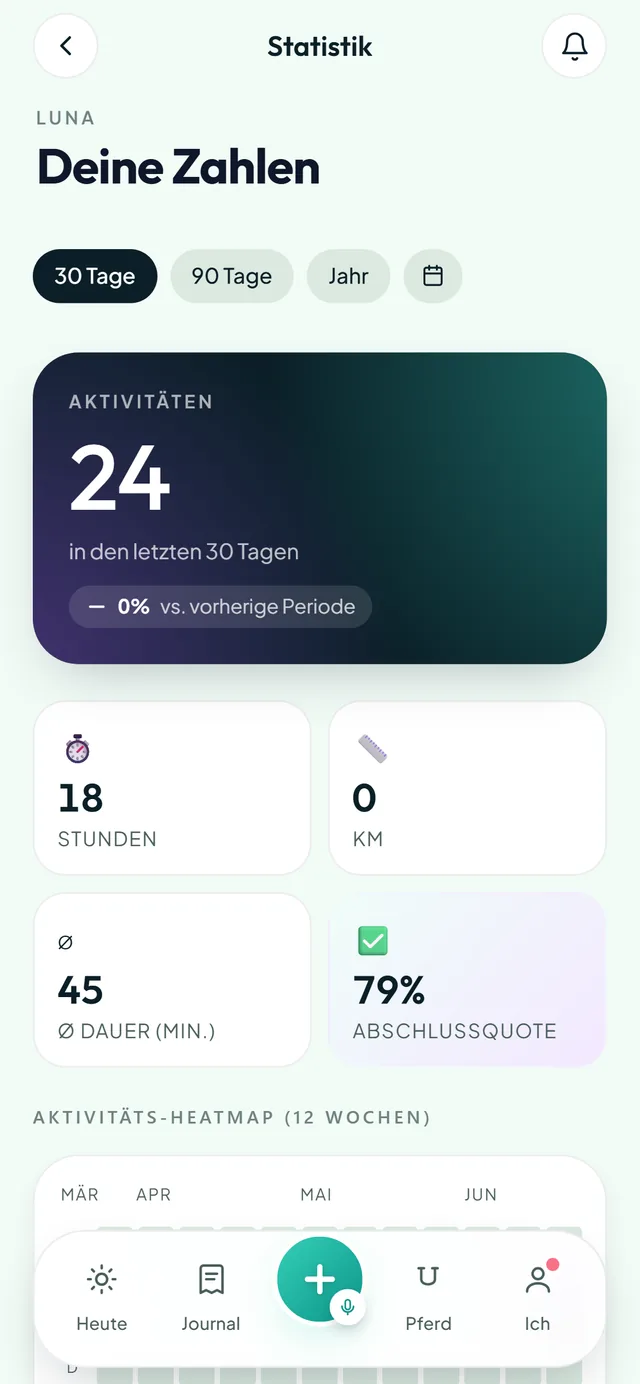 Statistics — Mobile
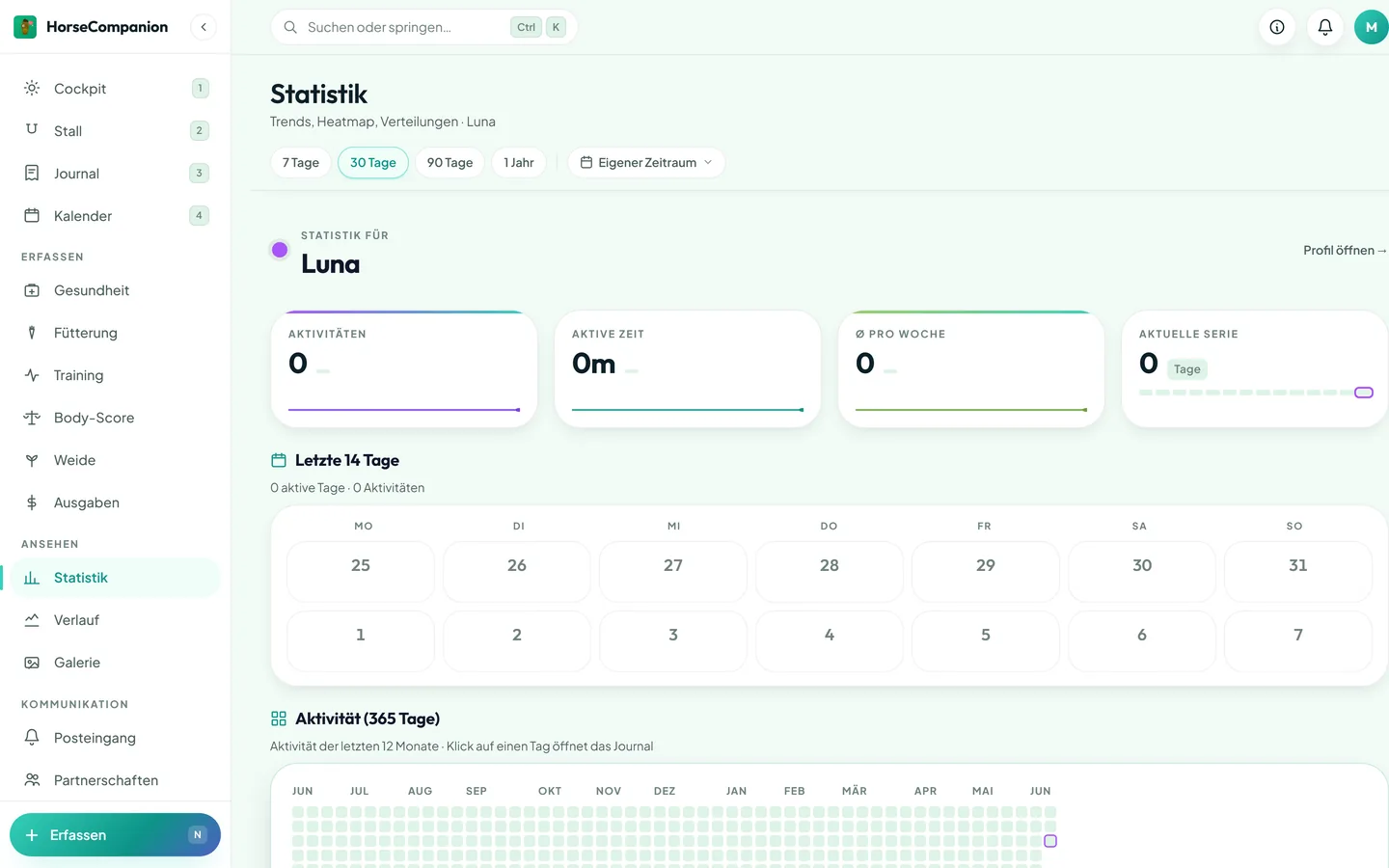 Statistics — Desktop